AI Adult Video Generator: What It Is, How It Works, and How to Use It Step by Step
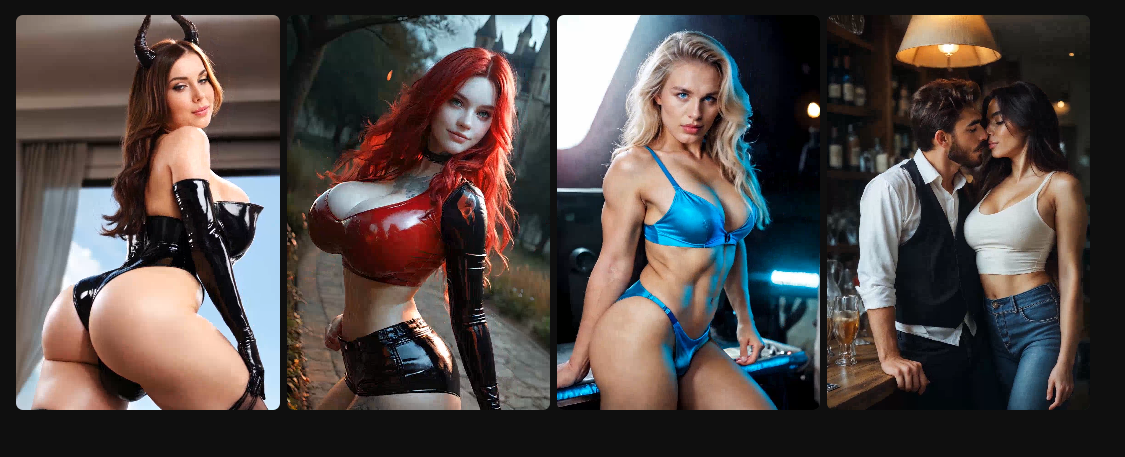
An
AI porn video generator is a tool that creates
adult, NSFW-style video content using generative AI. Instead of filming actors,
setting up lights, and editing footage, you describe what you want (often in
text), choose a style or “character” setup, and the system generates a short
video clip that matches your prompt.
If
that sounds like sci-fi, it isn’t anymore. In the same way AI can generate
images, voices, and music, it can also generate moving scenes—sometimes from
scratch, sometimes by animating an image, and sometimes by blending multiple
references. The result can range from “clearly synthetic but fun” to
“surprisingly realistic,” depending on the tool, settings, and how you prompt
it.
One
important framing: this category sits right at the intersection of fantasy,
privacy, and ethics. Used responsibly, it can be a private way to explore
adult creativity. Used irresponsibly, it can become a consent nightmare. So the
“how” matters just as much as the “wow.”
For
context, tools like Joi.com have popularized adult AI experiences that
focus on fast, interactive creation. But regardless of platform, the
fundamentals of using an AI porn video generator stay pretty consistent.
What makes AI porn video generators different from regular
porn?
Traditional
porn is recorded reality. Even if it’s scripted or heavily edited, it’s still
real people in real footage. AI-generated adult video is different in three
ways:
- It’s prompt-driven: you steer the scene
with instructions rather than a camera.
- It’s customizable: you can tailor tone,
pacing, aesthetics, and scenario details.
- It’s private by design: many users treat it as
personal fantasy content rather than something to share.
That
last point is huge. Plenty of people aren’t looking to “replace” anything; they
simply want a private sandbox—something between erotica writing and video.
How the technology works (without turning this into a
computer science lecture)
Most
AI video generation is built on the same general idea as modern AI image
generation: the model learns patterns from vast training data and then produces
new content that statistically matches the prompt and constraints.
In
practice, adult video generators often involve:
● Text-to-video: you describe the scene and
the model generates motion frames.
● Image-to-video: you provide a starting
image (or the system generates one) and animates it.
● Style controls: you choose “cinematic,”
“anime,” “photoreal,” “soft,” “glossy,” and so on.
● Safety filters: guardrails to block illegal
or disallowed content.
You
don’t need to understand the math. You only need to understand the tradeoff:
the more specific and consistent your prompt and settings are, the more
coherent the output tends to be.
Step-by-step: How to use an AI porn video generator
These
steps are written to keep things adult, consensual, and safe. Only
proceed if you are 18+ and using a platform that explicitly supports adult
content.
Step 1: Decide what you’re actually trying to generate
Before
you type anything, clarify the goal in one sentence:
● “I want a short, playful NSFW
clip with a romantic mood.”
● “I want a teasing, flirty
vibe, not extreme.”
● “I want something stylized
and clearly fictional.”
This
matters because vague goals produce messy prompts—and messy prompts produce
random results.
Step 2: Set a hard rule: no real people, no non-consensual
content, no minors
This
isn’t optional. Do not attempt to generate sexual content involving minors
(even fictional). Do not generate non-consensual scenarios. Do not use real
people’s likeness without explicit consent. If you treat consent as a boring
constraint, you’ll be the reason platforms get stricter.
Step 3: Choose your generation mode
Most
tools give you something like:
● Generate from text (fastest
start)
● Generate from a reference
image (more control)
● Choose a prebuilt character
or style template (most consistent)
If
you want speed: start with text.
If you want consistency: use templates
or references that are allowed and fully consensual.
Step 4: Write a prompt that is specific but not overloaded
A
good prompt is usually 2–5 lines, not a novel. Include:
● Style: realistic, anime,
cinematic, soft lighting, etc.
● Mood: romantic, playful, teasing, slow,
intimate
● Setting: bedroom, hotel, shower,
fantasy world (keep it legal and consensual)
● Camera language (optional): close-up, wide shot, slow
pan (some tools respect this)
● Pacing: slow, medium, energetic
Example
(kept non-graphic on purpose):
● “Consenting adult couple,
romantic and playful mood, soft lighting, cinematic style, slow pacing,
tasteful framing, intimate vibe.”
Step 5: Use negative instructions (they help more than people
expect)
If
the tool supports “negative prompts” or “avoid” fields, use them:
● Avoid: distorted hands, extra
limbs, warped faces
● Avoid: sudden camera jumps,
flicker, glitch artifacts
● Avoid: overly explicit
anatomy focus (if you want something more tasteful)
Negative
prompts often reduce the weird, uncanny output that makes people quit after one
try.
Step 6: Select length, aspect ratio, and quality
Shorter
clips usually look better because there’s less time for errors to accumulate.
● Start with the shortest
option available.
● Choose a standard aspect
ratio (landscape or portrait depending on your preference).
● If there’s a “high quality”
option, use it once you like your prompt—don’t waste credits testing bad
prompts at max quality.
Step 7: Generate, then evaluate like an editor (not like a
consumer)
On
your first attempt, don’t ask “Is this perfect?” Ask:
● Does the mood match what I
asked for?
● Is the movement coherent or
jittery?
● Are faces and proportions
stable?
● Does it stay consistent from
start to finish?
If
it’s close but not right, you don’t need a full restart. You need targeted
adjustments.
Step 8: Iterate with one change at a time
This
is where people sabotage themselves: they change ten settings and can’t tell
what improved.
Instead:
● Keep the same prompt, change
only pacing.
● Or keep pacing, change only
style.
● Or keep everything, add one
negative prompt.
Small
edits produce predictable improvement.
Step 9: Save what works (prompt, settings, and “vibe recipe”)
When
you get a good result, save:
● The exact prompt
● The negative prompt list
● The style preset
● Any seed/variation settings
(if available)
That
becomes your personal “recipe.” Next time, you’re not starting from zero.
Step 10: Treat privacy like part of the experience
Adult
content is sensitive by definition. Keep it that way:
● Don’t upload identifying
images.
● Don’t include real names or
personal details in prompts.
● Don’t generate content you’d
panic about if it were leaked.
A
lot of regret comes from oversharing, not from the content itself.
Pros and cons (the honest version)
Pros
● High privacy and low social
pressure
● Customizable mood, tone, and
style
● Useful for fantasy
exploration without involving another person
● Faster than traditional
content creation
Cons
● Quality can be inconsistent;
“uncanny” results still happen
● It can become repetitive if
you don’t steer creatively
● Ethical landmines (consent,
likeness, misuse) require discipline
● Some users find it
emotionally sticky—easy to overuse as a coping mechanism
Tips that make results feel more “human”
● Use fewer superlatives.
“Romantic, soft, playful” beats “the most perfect insanely sexy…” every time.
● Put pacing in the prompt.
“Slow, gentle pacing” reduces chaotic motion.
● If the output feels robotic,
add a mundane detail: “casual, natural movement” or “warm, relaxed vibe.”
● Keep expectations realistic:
AI video is improving fast, but it’s still not a Hollywood pipeline.
Bottom line
An
AI porn video generator is basically a private adult “scene engine.” Used
responsibly, it can be creative, entertaining, and surprisingly customizable.
The best outcomes come from clear intent, ethical boundaries, and iterative
prompting. If you treat it like a craft—more like writing a scene than pressing
a magic button—you’ll get results that feel less synthetic and more like
something you actually wanted.
If
you want, I can also write you 10 example prompts in different styles
(romantic, playful, cinematic, anime, etc.) that stay tasteful, consensual, and
generator-friendly—still without any hyperlinks.